Peptide Cycle Tracker
A peptide cycle is only as useful as the data you capture from it. Without a cycle log, you can't compare this run of BPC-157 to the last one — dose, frequency, duration, what changed, what didn't.
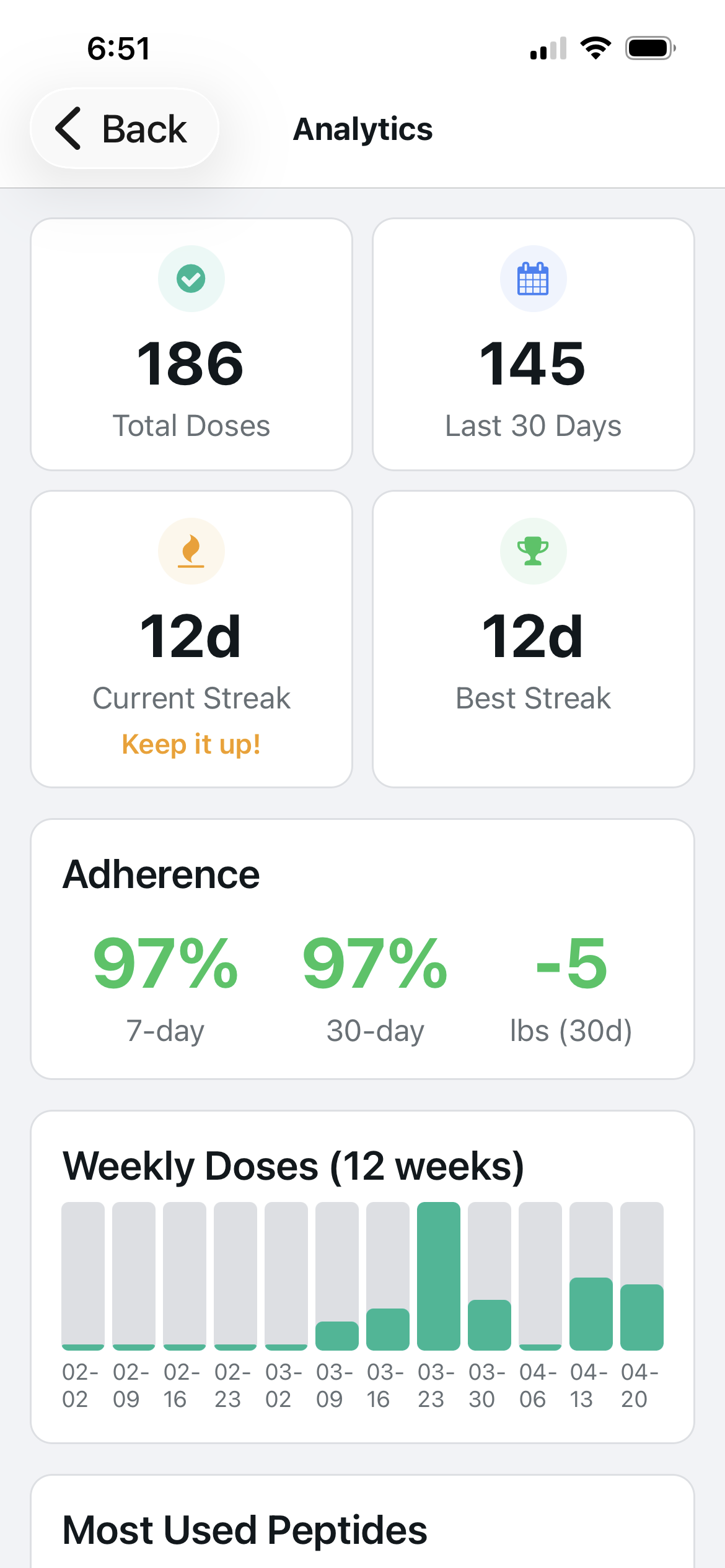
Cycle data at a glance
Protocol tracks your adherence rate, streak, and total doses across each cycle. At end of cycle, you have a complete record — not just what you planned to run, but what you actually ran.
How It Works
What a cycle log needs beyond dose tracking
A cycle tracker needs more than just doses. It needs a start and end date, the compounds and doses run, adherence rate (did you hit scheduled injections), observable outcomes, and side effect notes. Without outcomes, the log tells you what you ran but not whether it worked.
Baseline data makes cycle tracking meaningful
Log baseline metrics before starting any cycle: current weight, relevant bloodwork if available, injury status or goal metrics, and subjective scores. After the cycle, the comparison answers the question that matters: did this protocol do what it was supposed to do.
Short cycles vs long cycles require different tracking
Healing protocol cycles (4–6 weeks, BPC-157/TB-500) need precise injury progression notes — location, severity, functional improvement week by week. Long cycles (12–20 weeks, GH secretagogues) need trend data: weight, body composition changes, bloodwork at the midpoint and end.
Multi-compound cycle logging
When running stacks, log each compound separately but link them to the same cycle. This lets you isolate which compound drove which result when you adjust doses in the next cycle — something impossible from a combined single log.
The cycle tracking view
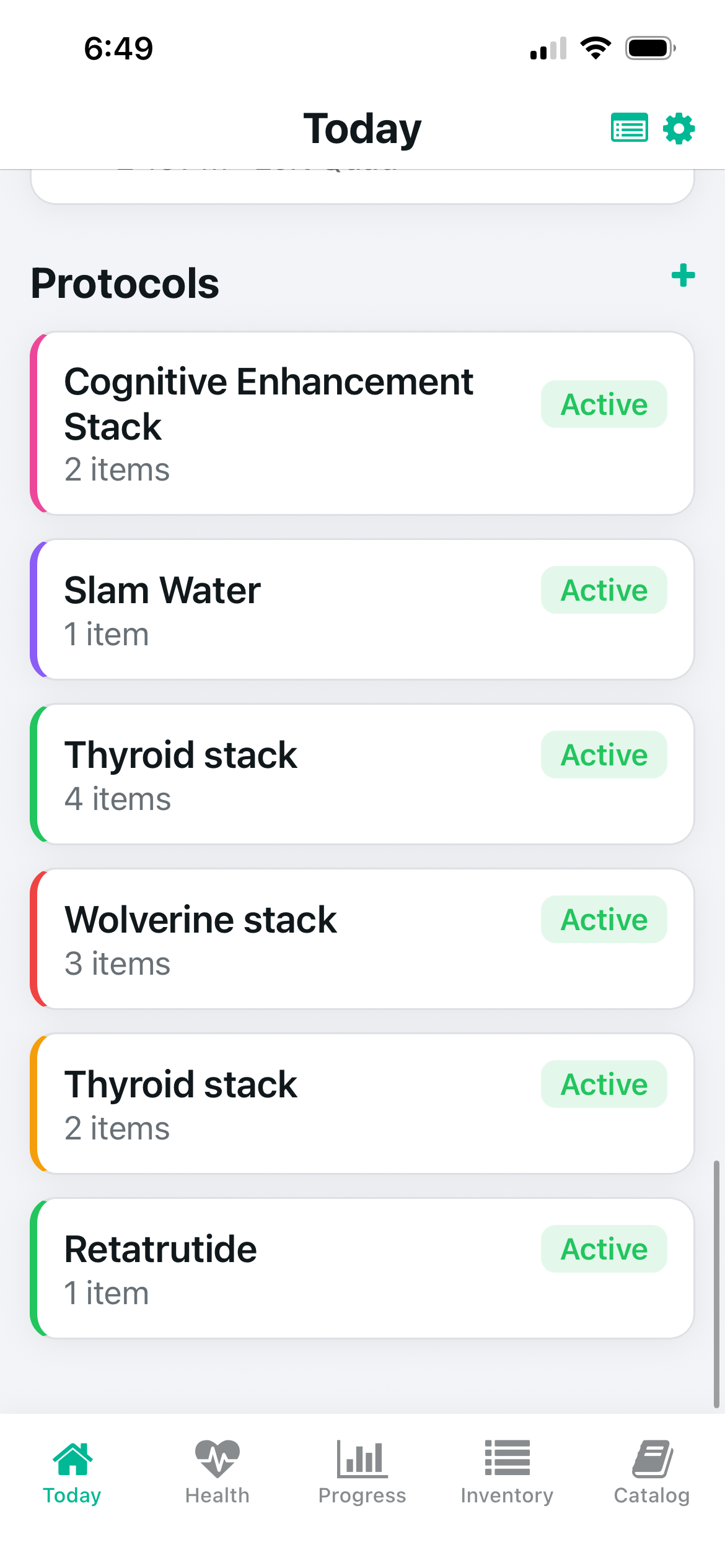
Active protocols — color-coded by compound
Cycle results — adherence + streak data
What Protocol Tracks
- ✓Log cycle start and end dates with full compound list
- ✓Track adherence rate across the cycle
- ✓Compare past cycles side-by-side in protocol history
- ✓Note outcomes, side effects, and key observations
- ✓Export cycle history as CSV or PDF for healthcare providers
Frequently Asked Questions
How do I track a peptide cycle?+
Can I track multiple compounds in one cycle?+
How do I compare peptide cycles?+
Should I track bloodwork with my peptide cycle?+
Related Guides
Start tracking with Protocol.
Free on iOS and Android. No account required. The complete peptide tracking system.